An online examination requires more than subject knowledge. Candidates also need to understand official instructions, prepare their device or travel plan, and follow the rules issued for their session. A technical or procedural issue can create unnecessary stress if checks are left until the final minutes.
ICSI’s examination arrangements can change by session. Read the latest announcements, admit-card instructions and candidate communications instead of assuming that an older guide covers every current requirement.
Read the instructions for your examination session
Begin with the latest ICSI announcement, admit-card information and candidate guidelines. Confirm the examination date, login or reporting time, mode, duration, permitted materials and the process for seeking help. Save the instructions somewhere easy to access and review them before exam day.
Do not rely only on an old blog or a friend’s experience. CSEET arrangements and instructions can change between sessions. The restructured syllabus began from June 2026, and examination procedures should be confirmed separately from syllabus details. If an instruction is unclear, use the official ICSI contact or support channel before the examination.
Confirm the examination mode
Check whether your session uses remote-proctored testing, a centre-based arrangement or another mode stated by ICSI. The preparation steps differ. A remote exam may require device and room checks, while a centre-based exam may require travel planning and arrival before the stated reporting time.
Follow the specific instructions for your session rather than assuming that all online examinations use the same platform or procedure. Confirm the permitted identification, login route, allowed materials and any technical requirements directly from official guidance.
Test your device and connection early
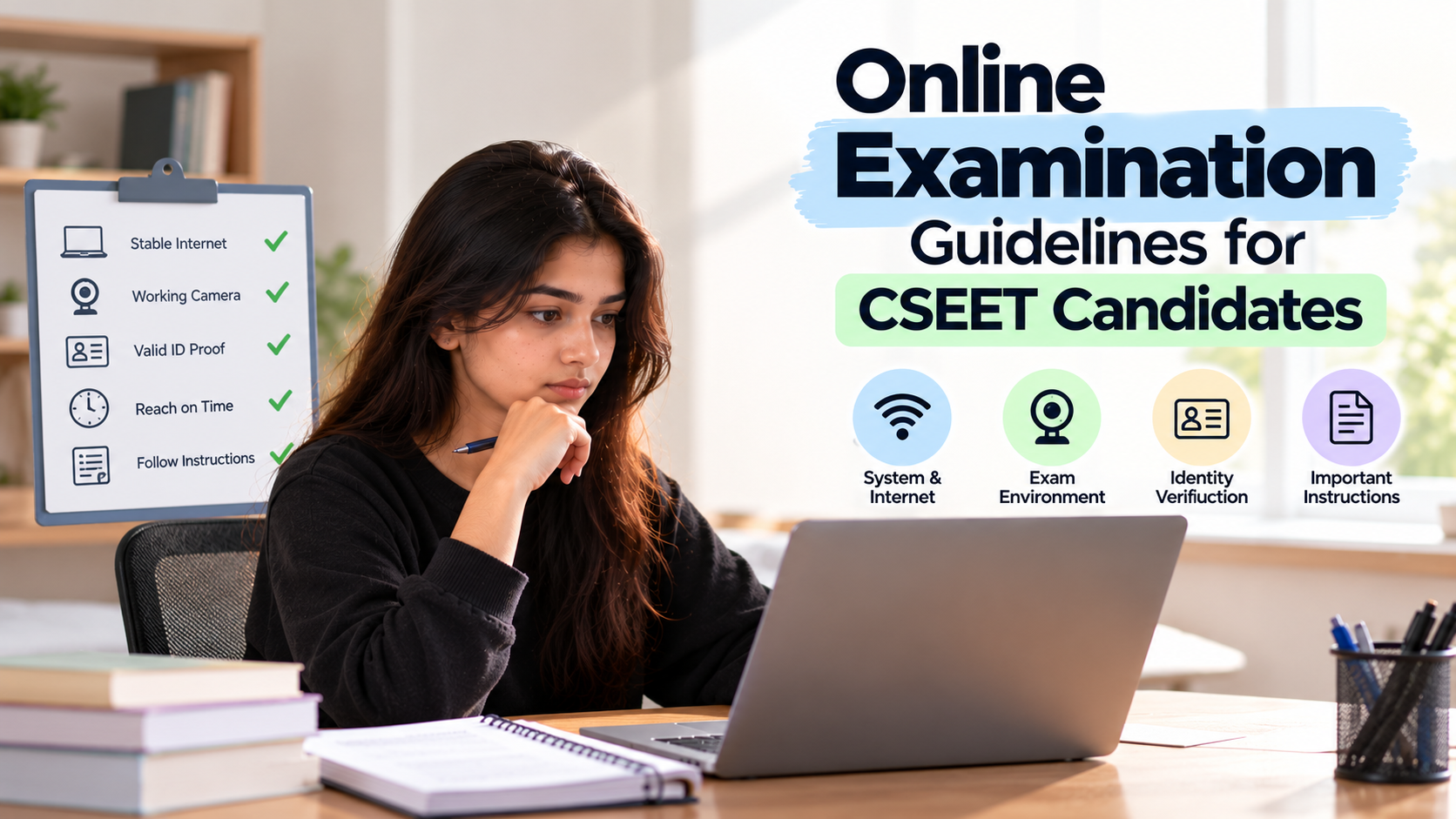
If your examination is remote, test the device and software required by the official instructions well in advance. Check the internet connection and any camera, microphone, browser or application requirements. Install or update only the software specified by the examination provider, and avoid unfamiliar changes at the last minute.
Arrange the charger and a suitable power source. Close unrelated applications and notifications if the instructions require it. Do not use a second device, communication tool or alternative login route during the examination unless the official instructions explicitly permit it.
Prepare a suitable examination space
Choose a quiet, well-lit space where you can remain undisturbed for the full examination. Clear the desk of unauthorised books, notes, phones and other items. If remote proctoring is used, make sure the setup allows you to follow the camera and room-check instructions.
Inform family members or roommates of the examination time so that interruptions are less likely. Do not assume that a setup accepted in an earlier session will necessarily meet current rules. Follow the exact requirements provided by ICSI or the authorised platform.
Keep identification and login information ready
Check which identity documents and credentials are required. Make sure your registration details are correct and the permitted identification is available. Keep passwords private and do not share examination links or account access with another person.
Use only the official login route and enter the examination within the stated window. Complete verification steps carefully. Avoid repeatedly refreshing the page or opening multiple sessions unless the official troubleshooting instructions tell you to do so.
Understand prohibited conduct
Examination rules may restrict communication with other people, use of unauthorised materials, screenshots, recording, prohibited devices or leaving the permitted interface. The exact rules depend on the instructions for your session, so read them rather than relying on a general checklist.
If you are unsure whether an item or action is permitted, leave it aside and seek clarification before the examination. Do not test the limits of the rules just because a technical action appears possible. Compliance protects the validity of your attempt.
Know what to do if a technical problem occurs
If a technical issue arises, follow the official troubleshooting steps and contact the designated support channel. If permitted, note the error message and the approximate time. Do not search for unofficial fixes while the exam is running or follow advice from an unrelated online group.
Do not restart the device, switch devices or leave the examination environment unless the instructions or authorised support team directs you to do so. Keep any support reference or communication that the process allows. Technical preparation reduces risk, but knowing the official response process matters too.
Manage time and use the exam interface carefully
Once the examination starts, check the interface and understand how to move between questions, save answers and submit the paper. Follow the stated process for marking questions for review. Do not assume that every examination platform has identical controls.
Allocate time across the paper and watch the remaining time. Read questions completely, especially words such as 'not', 'except', 'incorrect' and 'most appropriate'. If review is available, use it for uncertain questions instead of repeatedly checking every answer.
Practise before examination day
Use official sample papers or practice facilities where available to understand the question format and any permitted navigation features. Timed practice helps you estimate how long different questions take and reduces the chance that you will be learning the interface during the real examination.
CS Exams Test Series can support subject practice if its material matches the syllabus for your session. It does not replace official technical checks or ICSI rules. After a mock, review your answers and note whether time pressure, careless reading or weak concepts affected your performance.
Use a final checklist
The day before the examination, confirm the date and mode, review instructions, test the required setup and keep identification ready. Avoid installing unfamiliar software or making major device changes at the last moment. Plan travel if the exam requires attendance at a centre.
On exam day, start early enough to complete login or reporting steps without rushing. Follow the proctor or invigilator’s instructions and use only permitted materials. Submit the examination as directed, confirm completion if the interface provides a confirmation and then exit according to the official process.
How CS Exams Test Series Can Support Your Preparation
CS Exams Test Series can be used as an additional practice resource to test understanding, identify weak areas and build a regular preparation routine. Choose resources that match your applicable syllabus and session. For syllabus details, examination instructions and official rules, refer to the Institute of Company Secretaries of India (ICSI).